

You can download a valid Pollution Under Control (PUC) certificate online, but you cannot complete the required physical emission test online. Once your vehicle passes the inspection at an authorized centre, its status updates on government servers. You can then pull up or download your digital certificate at any time.
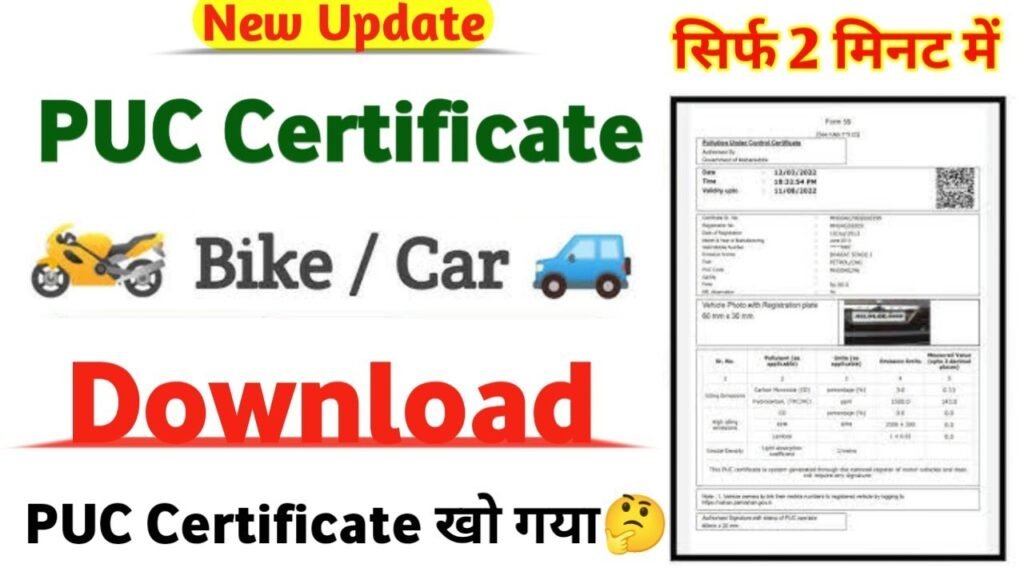
Here is how to check, view, or print your certificate online.
🌐 Step-by-Step Online Download Guide
Most states in India link their transport data directly to the Ministry of Road Transport and Highways (MoRTH) portal.
- Go to the official Parivahan Sewa PUC Portal.
- Click on the PUC Certificate tab on the navigation menu.
- Enter your vehicle’s full Registration Number (e.g., DL01XX0000).
- Enter the last 5 characters of your vehicle’s Chassis Number (found on your RC smart card).
- Complete the on-screen Captcha image verification code.
- Click PUC Details to view, print, or save your valid certificate as a PDF file.
Note: For Karnataka registered vehicles, if the details do not display on the central Parivahan portal, check via the state-specific portal as some local RTOs use independent databases.
📲 Alternative Digital Access Methods
Instead of carrying paper, you can save and instantly show digital copies to traffic police using these official government platforms:
- DigiLocker App: Link your Aadhaar card to pull your automated Registration Certificate (RC) and valid PUC records directly into your account dashboard.
- mParivahan App: Download the official mobile app, create a virtual RC, and your current pollution details will instantly auto-populate.
🛠️ Getting a New Test Done
If your certificate has expired or displays no data found online, you must go to a physical station:
- Where: Visit any government-authorized testing booth, which are usually located inside or right next to petrol pumps.
- Fees: Standardized checking costs roughly ₹50 to ₹140 depending on fuel type (Petrol/Diesel) and vehicle type (2-wheeler/4-wheeler).
- Time Taken: The real-time exhaust probe takes less than 5 minutes to record smoke data. Your document gets uploaded to the national cloud server instantly.
You can download your Pollution Under Control (PUC) certificate online through the official Parivahan Sewa PUC Portal.
Steps to Download PUC Certificate
- Go to the Parivahan PUC Certificate Page.
- Enter your vehicle’s Registration Number.
- Enter the last 5 characters of your vehicle’s Chassis Number.
- Fill in the security Captcha Code shown on the screen.
- Click on PUC Details.
- Click Print to save your certificate as a PDF file.
Note: You must have already completed a physical emission test for your vehicle at an authorized emission center; you cannot generate a completely new certificate online without a physical test.